
Changing Clothes with AI: How to Check That the Face Still Matches
A practical workflow for checking identity, hair, pose and background after an AI clothing change, with clear limits on face preservation.
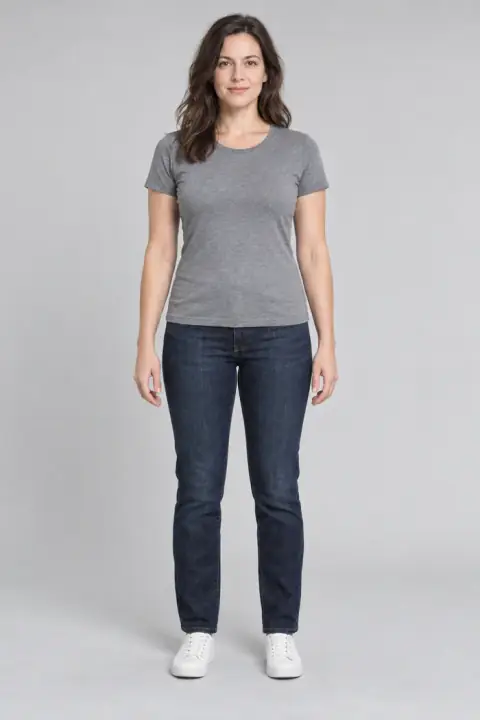
If you want to change an outfit while keeping the original person recognisable, start with an existing person photo and inspect the result against that original. AI clothing edits can preserve a convincing likeness in some images, but a natural-looking result is not proof that every facial detail remained unchanged.
AI Outfit Changer accepts a person photo and a garment reference. It is useful for trying a different garment in an existing photograph, with a review step before you download or share the result.
Choose between reference try-on and a masked edit
A garment-reference try-on uses two images: the person and the clothing. A masked editor lets you select the area that may be changed. Those capabilities overlap in purpose, but their controls differ.
AI Outfit Changer uses garment references and automated generation. Its public workflow does not include a user-drawn mask or a face-lock control. Do not assume the face is protected by a pixel-level editing boundary.
If your project requires the original face pixels to remain identical, choose a workflow that explicitly supports that requirement and verify the exported file. A request to preserve identity is not the same thing as a guarantee that pixels outside the clothing area are untouched.
Keep a clean original for comparison
Use an image where the face and relevant clothing area are visible. Keep a copy without heavy filters so that you have a clear baseline. A face partially hidden by a phone, hair or deep shadow is harder to compare after editing.
Begin with one clear garment reference. If your goal is changing the jacket, judge that jacket separately from accessories or a larger styling transformation. This keeps the task and your review criteria understandable.
Add focused styling notes when available
Essential Try-On supports optional notes alongside the garment image. One possible instruction is:
Use the supplied garment reference for the clothing change. Keep the face, hairstyle, expression, pose and background consistent with the original photo.
This is a suggested instruction, not a tested guarantee of improved face preservation. The garment reference is still required. Free Preview does not offer styling notes.
Review more than whether it “looks like me”
Compare the original and result at a similar viewing size. Check identifiable details individually:
| Area | What to compare |
|---|---|
| Eyes and eyebrows | Shape, position and expression |
| Nose and mouth | Proportions, smile and visible detail |
| Jaw and cheeks | Outline and facial structure |
| Hair | Parting, hairline and boundaries around clothing |
| Skin | Texture and obvious changes in tone |
| Surroundings | Background, pose, hands and accessories |
Look closely at the neckline and any hair crossing the collar. A face may look similar while the boundary between the neck and garment has changed. Review the clothing as well: preserving a likeness does not establish that the garment details are accurate.
What to do if the face changes
Keep the original and reject any result that does not meet your intended use. You can try a clearer input or a new generation, but repeated attempts do not guarantee a correct outcome. Each Essential request uses credits; Free Preview has a separate daily allowance.
If consistent facial identity is essential to the project, consider a more controlled editing process and review the final image carefully. Do not treat a pleasing sample as proof that the same workflow works for every person or pose.
What AI Outfit Changer’s examples establish
The site’s examples use one fictional adult with actual model outputs. They let you compare a particular input and result visually. They do not establish a face-preservation success rate across real users.
Try the clothes-swap workflow when a visual outfit preview suits your purpose. Save the original, inspect the new image and use only results that meet your own identity and garment checks.